
Ai Expense Management Agent
AI-Powered Expense Management Agent for Microsoft 365 Copilot in Australia

Turn expense claims into a simple conversation.
Managing staff expenses shouldn’t mean spreadsheets, missing receipts and slow email approvals. Compusoft’s AI Expense Management Agent, built on Microsoft 365 Copilot, lets Australian employees submit claims, upload receipts and track status inside Microsoft Teams. Your finance team gets automated policy checks, approval routing and a complete audit trail.
Common Challenges in Employee Expense Management
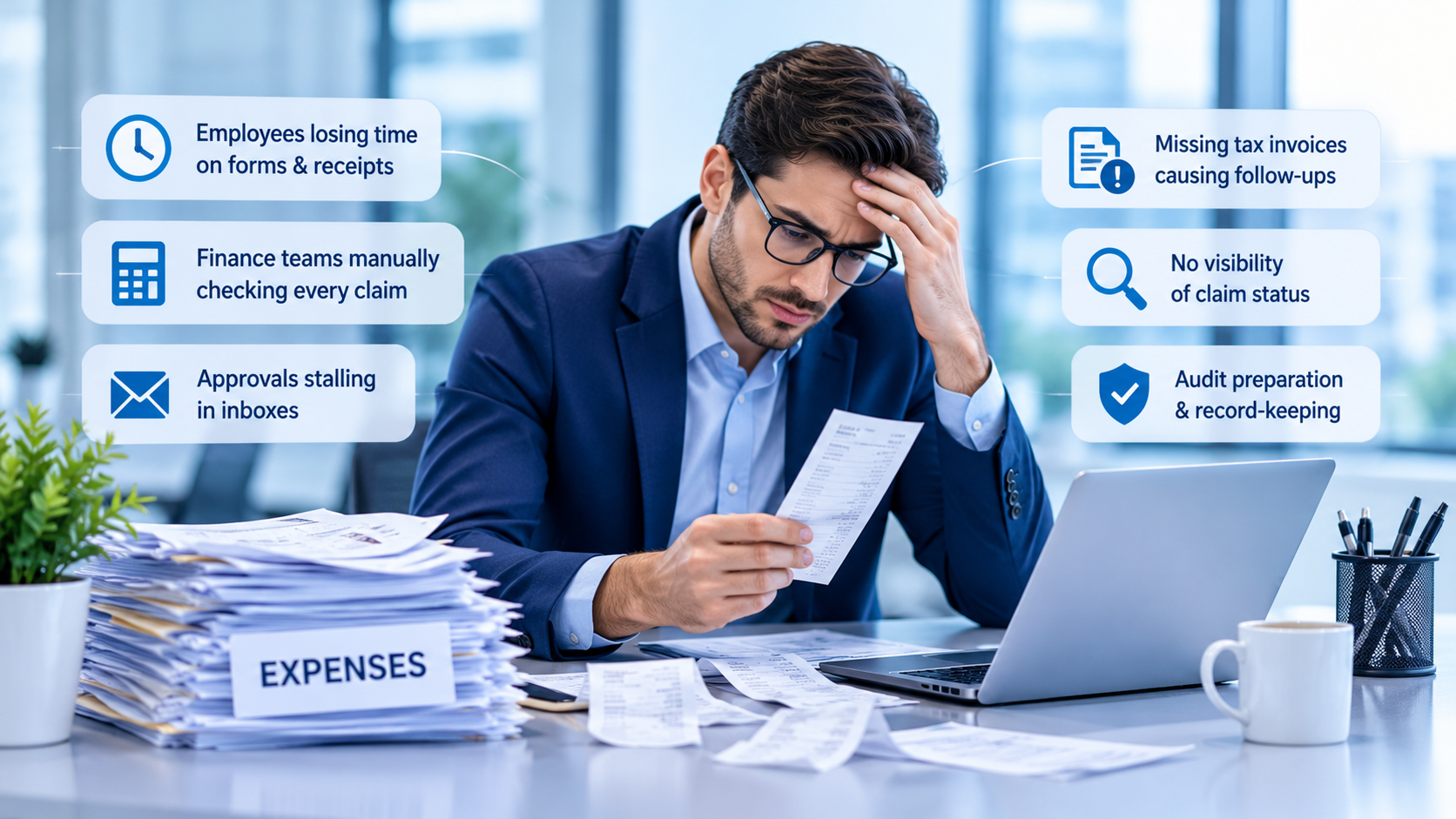
Many Australian organisations still handle reimbursements through spreadsheets, shared folders and email chains. This leads to:
- Employees losing time on forms and chasing receipts
- Finance teams manually checking every claim against policy
- Approvals stalling in inboxes
- Missing tax invoices causing repeated follow-ups
- Staff having no visibility of claim status
- Stressful audit preparation, including GST and ATO record-keeping
As teams grow across Sydney, Melbourne, Brisbane, Perth and regional sites, these gaps cause delayed reimbursements and policy breaches.

How the Expense Management AI Agent Works: Real-World Example
Submitting a Hotel Expense Through Microsoft 365 Copilot
A sales manager travels from Sydney to Melbourne for client meetings. They pay for a hotel, taxis, meals and airport parking. Traditionally, they would keep paper receipts, complete a month-end form, email documents and then chase approvals.
With Compusoft’s agent, they simply tell Copilot: “Submit my hotel expense for $420.” The agent reads the uploaded receipt, validates it against company policy, routes it to the right approver, generates a claim ID and keeps the employee updated until reimbursement.
Microsoft 365 Copilot Expense Management Agent Capabilities
Conversational Expense Submission
Employees submit claims in plain English through Microsoft 365 Copilot or Teams. There are no forms, no new portal and no manual entry.
AI-Powered Receipt Processing
The agent extracts the amount, vendor, date, category and GST details where present. Employees review and confirm before submitting.
Automated Expense Policy Validation
Claims are checked against transaction, daily and monthly limits, receipt requirements and approval rules before they reach approvers.
Intelligent Approval Routing
Approvals route automatically by employee grade, category, amount threshold and hierarchy. Managers approve in Microsoft Teams or Outlook.
Real-Time Expense Claim Tracking
Employees ask “What’s the status of my claim?” or “Show my pending claims” and get an instant answer.
Audit-Ready Expense Management
Every action is recorded, giving finance a full audit trail to support governance, compliance and ATO record-keeping.
Benefits of an AI-Powered Expense Management Agent
| Area | Manual process | With Compusoft’s AI Expense Agent |
|---|---|---|
| Submission | Forms and spreadsheets | Natural-language chat in Teams |
| Receipts | Paper or emailed, often lost | Auto-extracted and confirmed |
| Policy checks | Manual review by finance | Automated before approval |
| Approvals | Email chains | Routed in Teams and Outlook |
| Visibility | “Ask finance” | Real-time status via Copilot |
| Audit trail | Scattered files | Complete, logged history |
The result is approval cycles cut from days to minutes, a better employee experience, less manual effort for finance, stronger policy compliance and lower administrative cost. The agent builds on the Microsoft 365 investment you already have.
Industries That Can Benefit
| Industry | Typical users | Common expenses |
|---|---|---|
| Professional Services | Consultants, accountants, legal and engineering teams | Client travel, accommodation |
| IT & Technology | Software firms, managed service providers | Client visits, training |
| Manufacturing & Construction | Field engineers, site supervisors, procurement | Site travel, materials |
| Healthcare | Medical representatives, hospital administration | Regional visits, conferences |
| Retail & Distribution | Territory managers, sales representatives | Store visits, vehicle costs |
| Logistics & Transport | Fleet managers, field supervisors | Fuel, tolls, parking |
| Education | University administration, research teams | Field training, conferences |

Departments That Can Use This Solution
- Finance & Accounts: expense governance, reimbursements, compliance
- Sales: travel and client meeting expenses
- Field Service: site visit and service costs
- Human Resources: recruitment travel and reimbursements
- Procurement: vendor visits and sourcing
- Operations: project and field expenditure
- Executive Management: corporate travel and representation
Why Compusoft?
Frequently Asked Questions About Expense Management AI Agents
It is an AI assistant that automates expense submission, receipt processing, policy validation, approvals and claim tracking through natural-language conversation in Microsoft 365 Copilot.
Yes. Approvals route by employee grade, category, amount and hierarchy, and managers respond in Teams or Outlook.
Yes. It extracts amount, vendor, date and category, and employees confirm before submitting.
Yes. They can submit claims, share receipts, check status and receive approval updates without switching apps.
Yes. It uses Copilot Studio, SharePoint, Power Automate, Teams, Outlook and Microsoft Approvals.
Yes. It adapts to different departments and industries, and policies can be configured to your organisation’s rules.
Ready to Automate Your Document Workflows?
Our AI Agent Document Analyzer delivers faster insights, accurate comparisons, and compliance validation — powered by Microsoft Copilot Studio.